Hello,
I’ve created a Salesforce Quote based template to use with the Salesforce-Box Doc Gen feature to generate Quote documents that have:
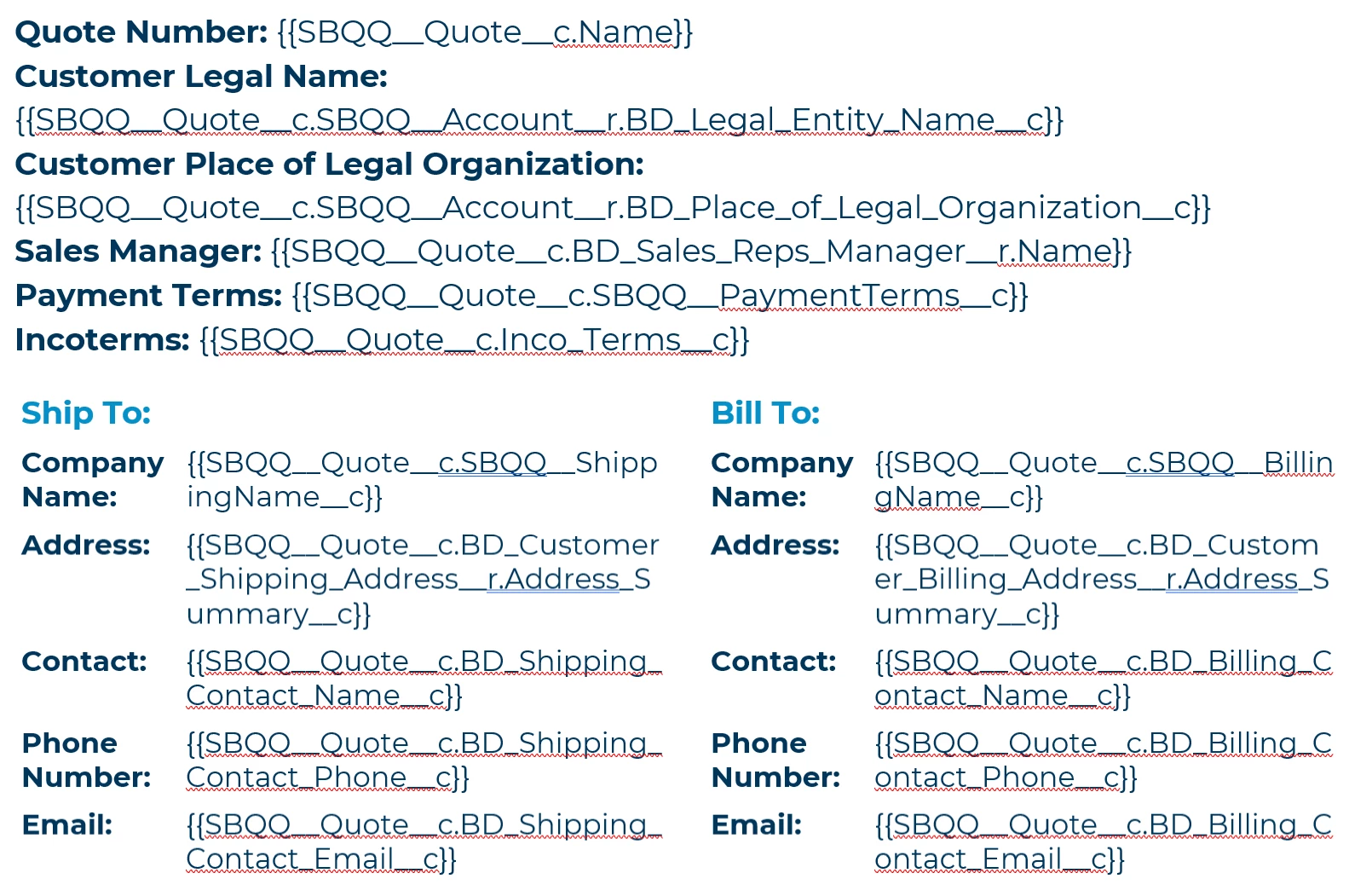
- Field-values merged from the Salesforce ‘Quote’ record, e.g.:
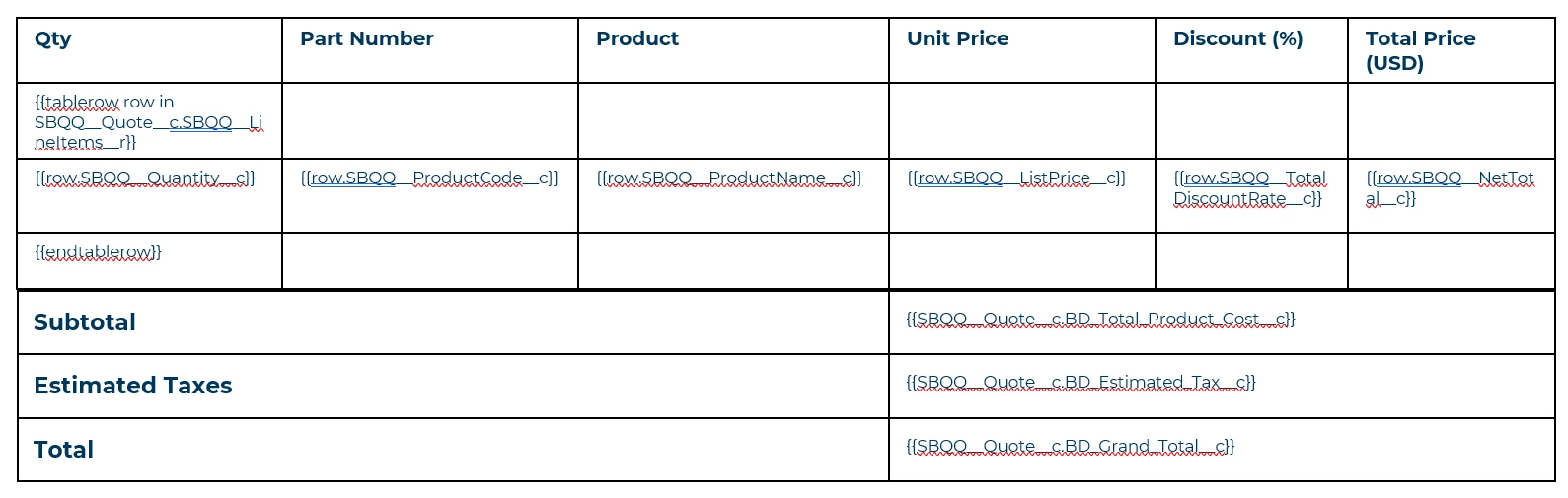
- Then, field-values merged from that ‘Quote’ record’s children ‘Quote Lines’, e.g.:
Problem 1 - Error of ‘Quote Lines’ Not Existing on ‘Quote’
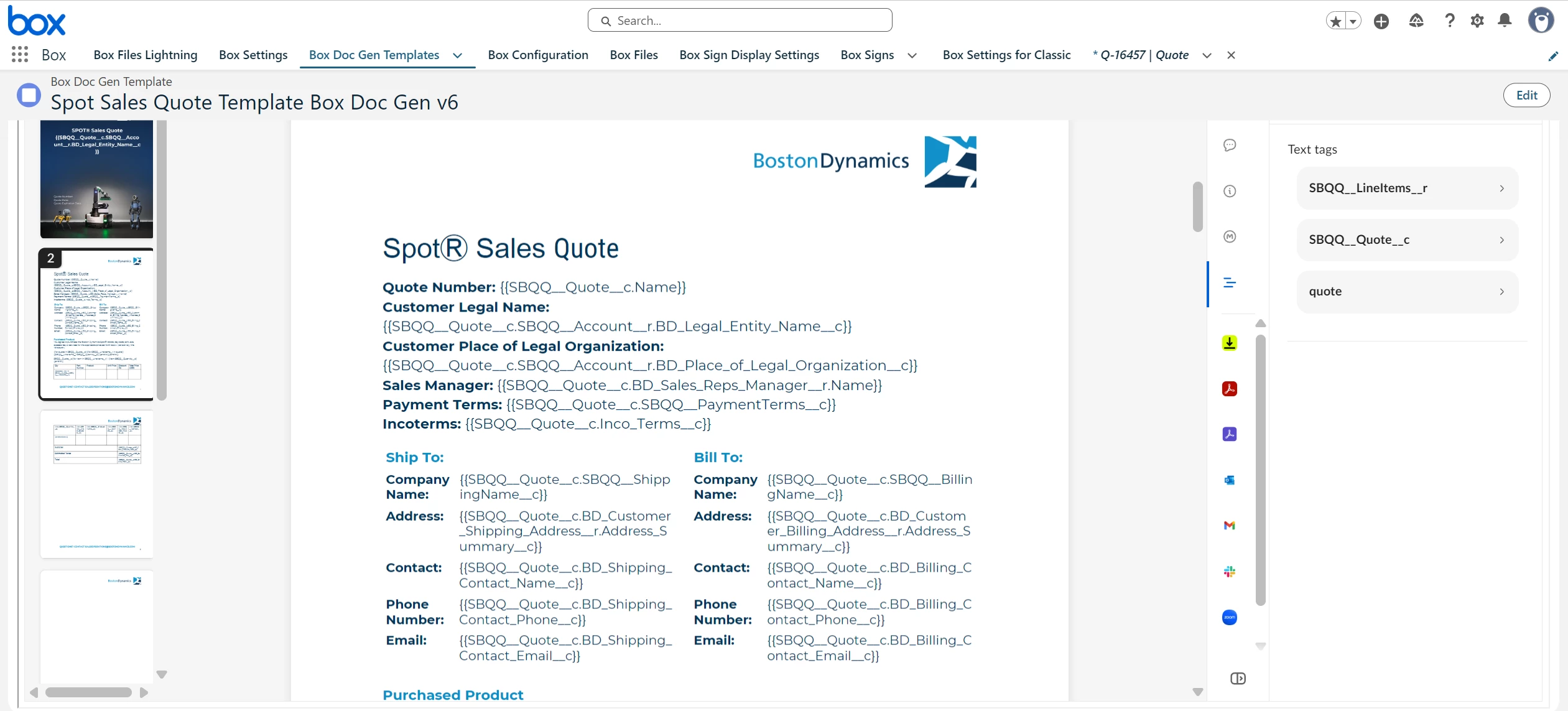
However, on the Salesforce-Box App’s Template’s ‘Tag’-screen, all the fields seem to pass the quality control test, except for an error in handling the Quote’s children Quote Lines:
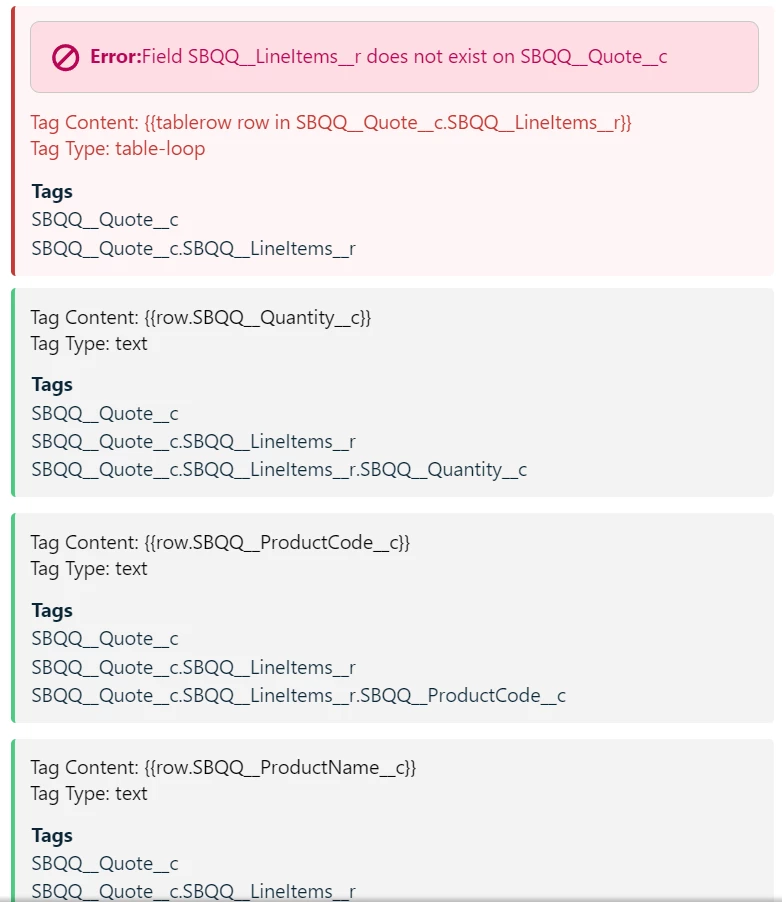
What am I doing incorrectly and how do I fix this? I was not able to find documentation specifically handling Salesforce child-records to a template’s merge fields, and this template worked when I tested it outside of Salesforce and directly in Box using the standard Box Doc Gen tool.
Problem 2 - Quote with Only Correctly Validated Tags of Salesforce Fields: Not Generating, Stuck on Loading
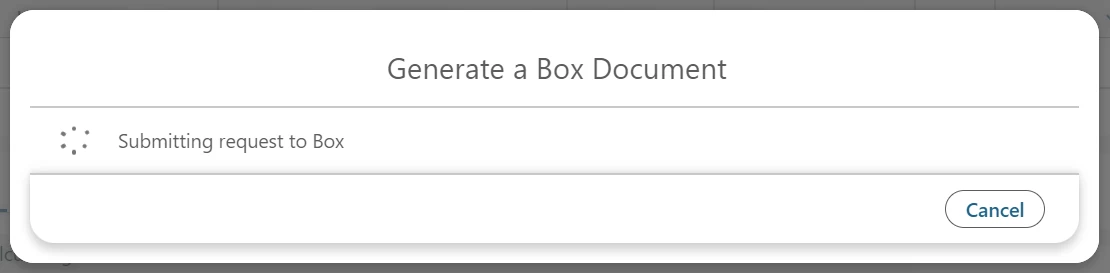
Additionally, I made a version of the template without the Quote Lines, so that I could try generating a document with merge fields that passed the ‘Tag’-page’s quality control test. However, even when I do that I just get stuck on a loading screen and the document never gets created. I validated that the service account and my admin accounts are authenticated correctly, and I know the link is working because I’m able to create/manage Salesforce-Box templates, and those templates are displaying correctly from Box. How can I fix that?