

Are you looking to build and test full-featured applications using Box's enterprise-grade APIs at zero cost? Signing up for a Box Developer Account is quick, easy, and gives you immediate access to powerful developer tools.
Here is a step-by-step guide to getting started, along with what is included in our free developer plan.
🚀 How to create your Box Developer account
-
Go to the Box Developer signup page: https://app.box.com/signup/developer
-
Enter your name, email address, and password.
-
Accept the terms and select Get Started.
-
Once registered and logged in, you can access your Developer Console to start creating and configuring your applications, generating credentials, and exploring APIs.
✅ What's included in the Free Developer plan?
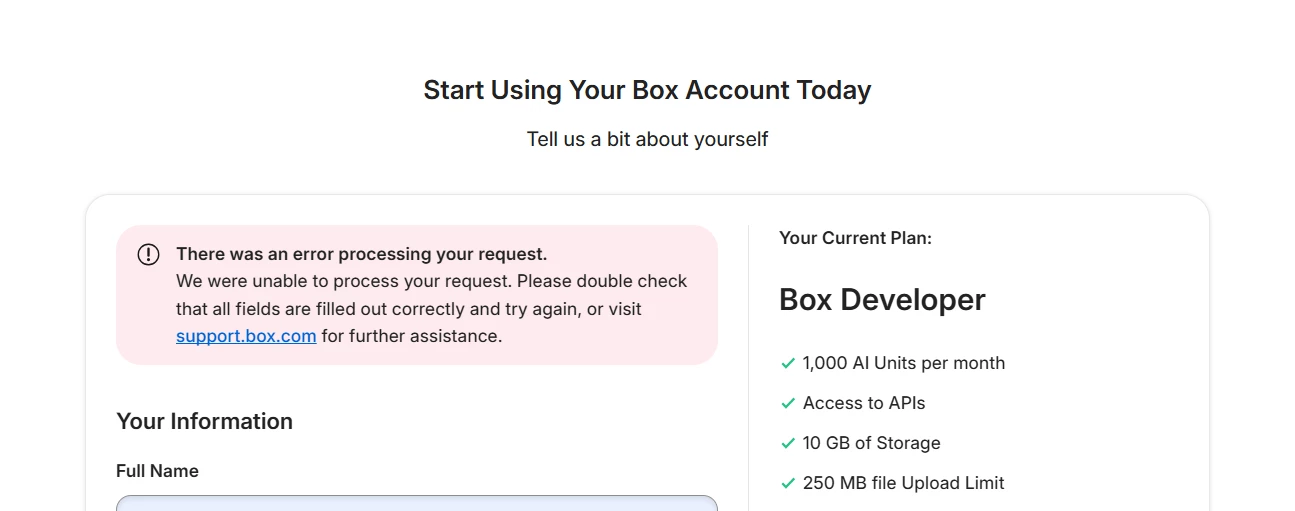
You can build and test applications with enterprise-grade features for free. Your account includes:
-
1,000 AI units per month (perfect for testing AI integrations, including structured and freeform metadata extraction)
-
10 GB storage
-
250 MB file upload limit
-
1 file version
-
Box Sign (includes 5 documents for e-signatures per month)
💡 Why choose the Free Developer plan?
-
No cost to start: Build and test your ideas at zero cost.
-
AI integration: Leverage Box AI capabilities directly within your test applications.
-
Seamless production transition: There is no gap between your test environment and the real production environment.
When your project moves from development to production — or when you need more storage, higher limits, or additional features — you can upgrade your Box account.
📚 Learn more
Ready to dive deeper? Check out our Box Developer Guides for API documentation, SDKs, and tutorials.