
Question

Box Sign for salesforce - Recipient not getting ability to sign document

  • Nov 4, 2026 7:48 PM UTC
  • 1 reply
  • 9 views
  • Translate All

 In my template I have a signature box, where I assign it to Signer 1.
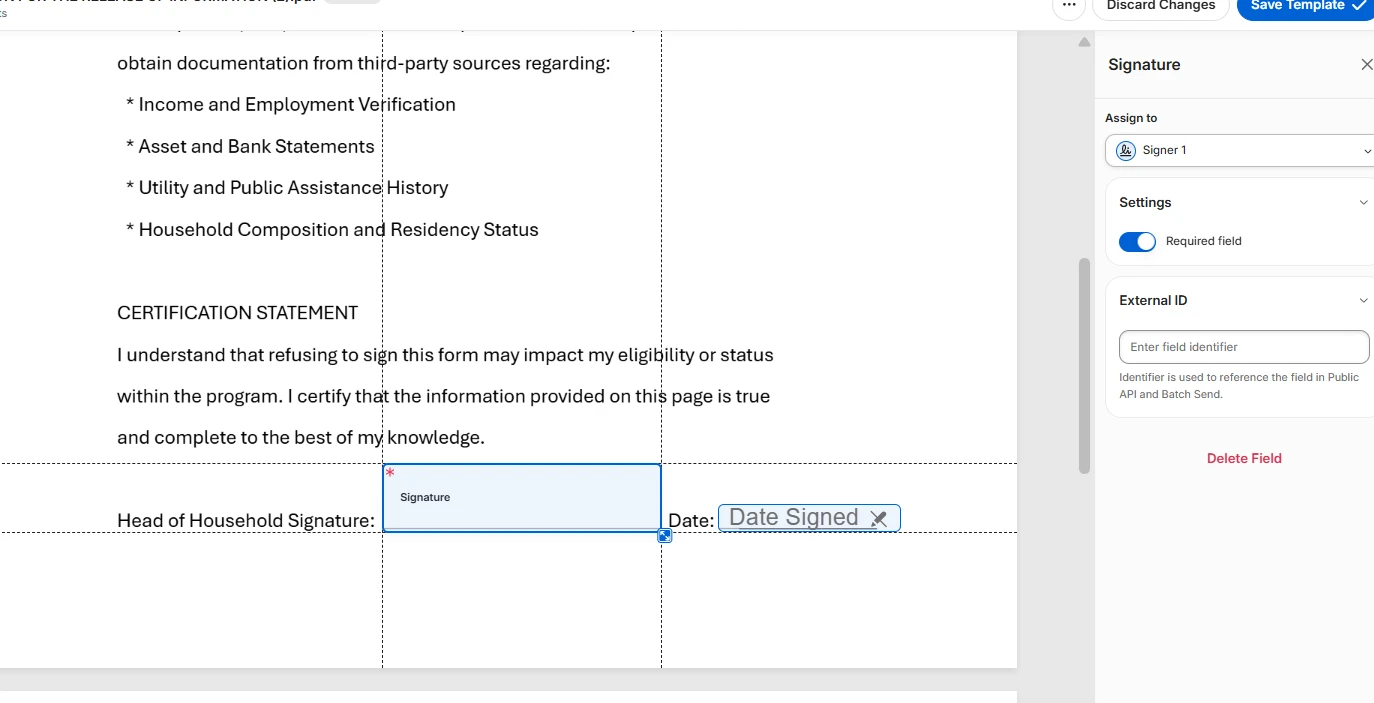
 

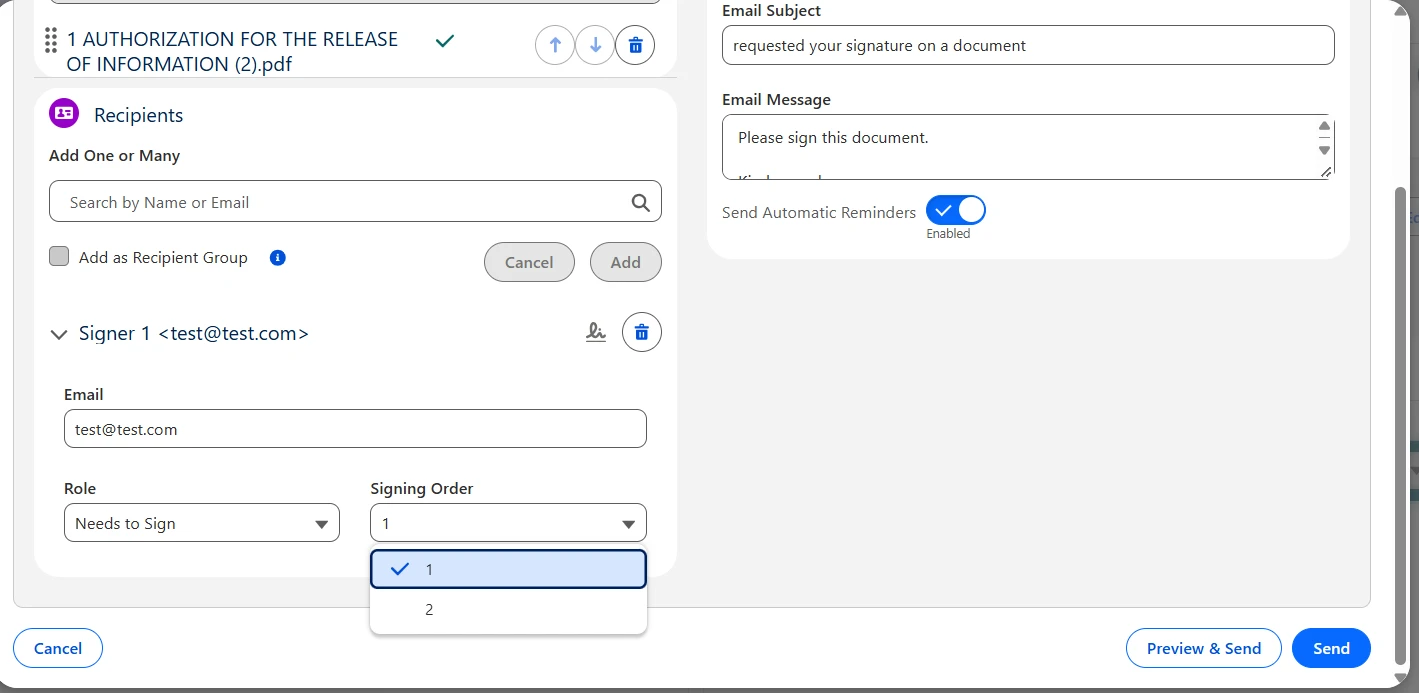
In salesforce Box Sign UI, I enter in the email address to that Sender 1, and Click “Send”
 

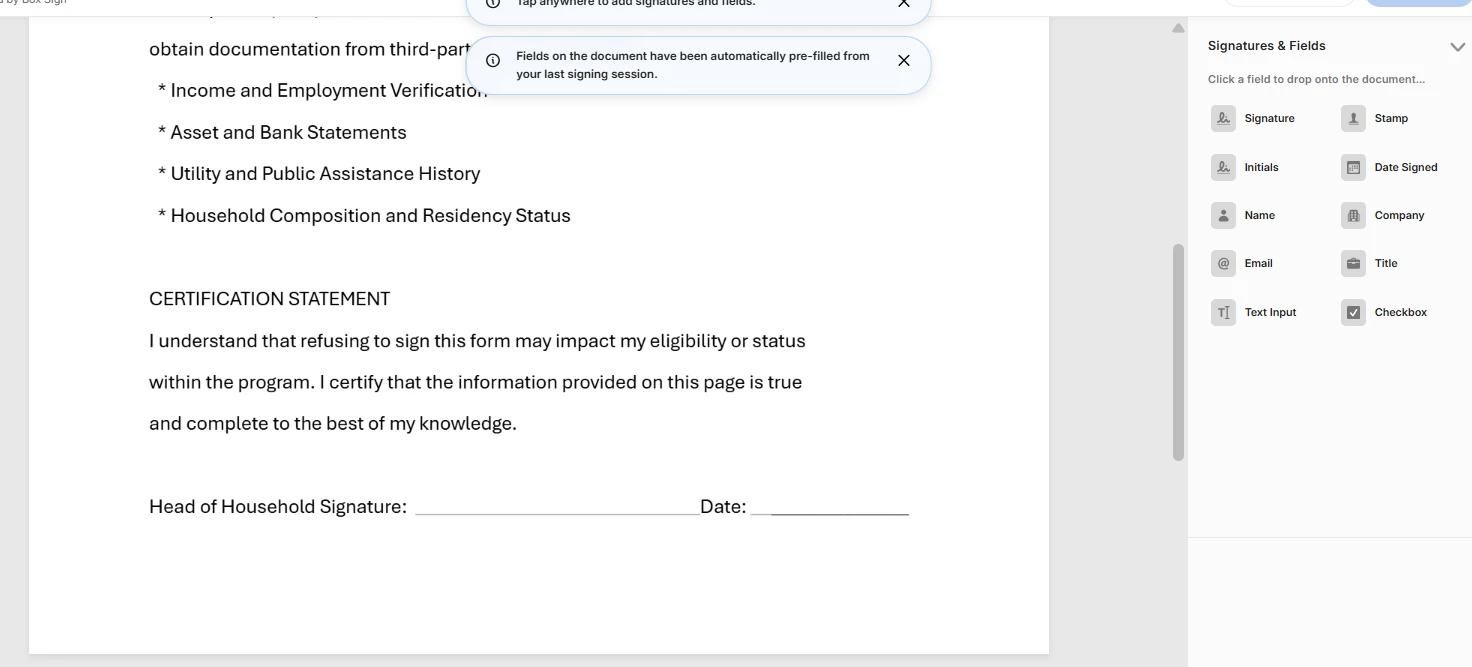
But when I received the form to sign, it is missing the box for me to sign, somehow is allowing recipient to drag and drop their own fields as if they are an admin?
 

1 reply

  • Box Employee
  • Nov 4, 2026 8:09 PM UTC

When a signer has no fields bound to them, Box falls back to free-form signing, where the recipient can drag their own fields onto the document. So the template’s “Signer 1” signature box never attached to the recipient. This is a mismatch in the request we send to Box, not a missing email.

Translate